Transcribe your sources without a copy on someone else's server.
Airgap works offline on your own laptop, in the newsroom or in the field. The recording and the transcript stay on your disk, and you can check that with the network off.
7-day free trial
More than 40,000 people already use our voice AI apps to save time without compromising privacy.
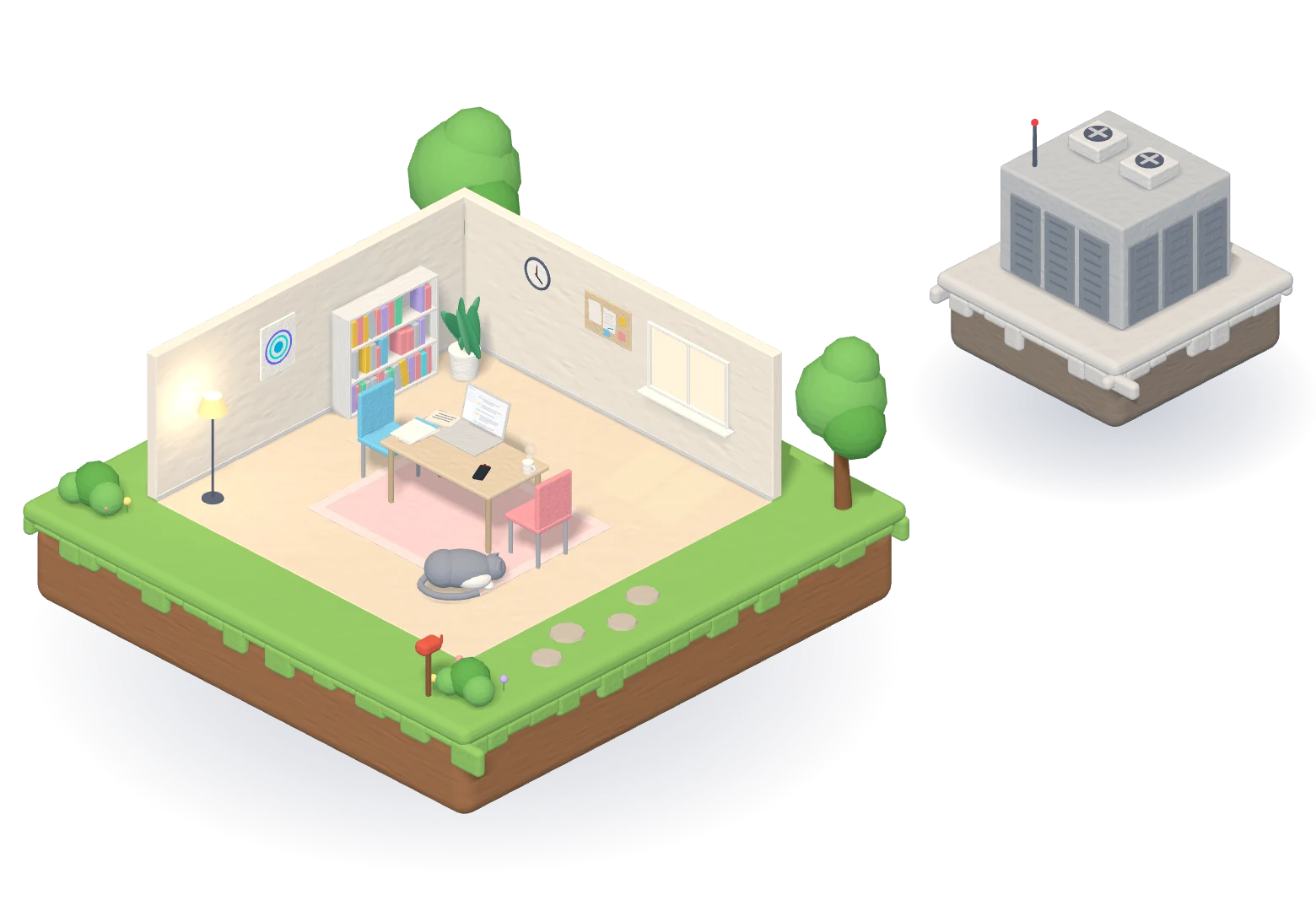
Transcribed on this laptop. Your source stays in the room.
A cloud service keeps a copy you don't control.
Upload an interview to a transcription service and a copy now lives on its servers, under its retention rules and its jurisdiction.
With Airgap there is no copy anywhere but your laptop. There is nothing on a server to leak, breach or hand over.
From the recording to the quote.
- 1
Record or import
Phone recordings, video files and calls. Most audio and video formats work.
- 2
Transcribe offline
In 99 languages, on your laptop, with the network off if you like.
- 3
Find the quote
Search every interview at once, then click a word to hear the moment it was said.
- 4
Share a draft without names
Block out names and places before a transcript goes to an editor or a lawyer.
The facts
- Search
- Across every transcript and document in your library, with answers that point to the source.
- Personal data
- Names, organisations and places replaced by codes such as P1, or blocked out, in every export.
- Where it runs
- On your computer. Recordings, transcripts and documents are not uploaded.
- Connections
- Licence activation (once), model download (once), update check (off by default).
- Offline
- Works offline after activation and the one-time model download.
- Computers
- macOS 13 or newer on Apple Silicon, and Windows 10 or 11 on x64. Not Intel Macs or Linux.
- Languages
- 99, with accuracy published per language.
- Exports
- Word, PDF, text, SRT and VTT subtitles, CSV, JSON, NVivo and MAXQDA.
- Price
- €79 once for up to 3 devices, with a year of updates. Free 7-day trial, no card.
What Airgap doesn't do
- Noisy field recordings lower accuracy. For a genuinely hard recording, Scribewave online is more accurate.
- Airgap has no shared workspace. The transcript stays on this computer until you export it to SharePoint, a shared drive, or wherever your team already keeps files.
- It runs on Apple Silicon Macs and Windows. Not on Intel Macs or Linux.
Compared with what reporters use now
These are capable tools. Airgap is the one that keeps the recording on your computer. Here is where they differ.
Otter
Fast, with a free plan. It processes and stores your recordings in its cloud.
Trint
More accurate on hard audio, with more integrations for newsrooms. Cloud, from €85 a month.
- oTranscribe
Free, local and private: it helps you type. Expect three to six hours per hour of audio.
€79once
€79 once for up to 3 devices, including a year of updates. The version you have keeps working after that.
Everything included: unlimited transcription, meeting recording, dictation, redaction, search, and all export formats.
For faculties and organisations
From €3,000 a year
One annual site licence with no per-user or per-hour fees. Includes invoice billing and an evaluation pack for security review.
Licences for organisationsQuestions
Does it work without internet?
Yes, after setup. You need a connection to activate the app and to download the models once. After that, transcribing, searching and exporting work with the network off.
Can I search across all my interviews?
Yes. Search every transcript and document in your library, or ask a question and get an answer that points to the source.
Can I hide a source's name before sharing a draft?
Yes. Find personal data codes every person, organisation and place, and the export can show black blocks instead of names.
Which languages does it handle?
99, detected automatically. Accuracy is published per language, including where it does worse. Languages and accuracy
Try it on your next interview.
Free for 7 days. Transcribe it with the network off.
Free for 7 days, then €79 once