Transcription that never leaves the room.
Airgap transcribes interviews and meetings on your computer. It labels speakers, redacts personal data, and works with the tools you already use.
7-day free trial
More than 40,000 people already use our voice AI apps to save time without compromising privacy.
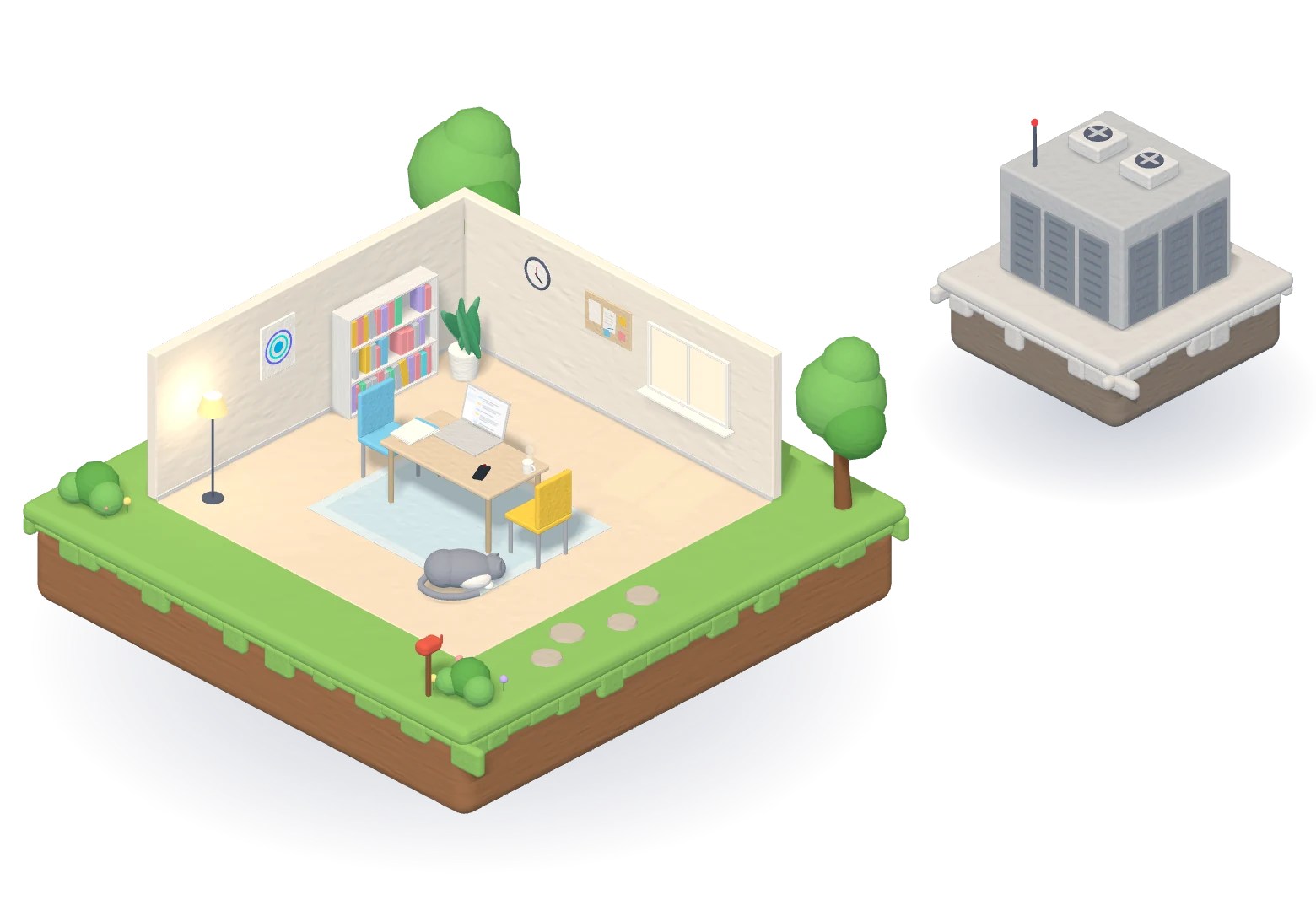
Unlimited transcription on your laptop. Nothing goes to a server.
For the conversations people trust you with.

Researchers
The interview stays on your laptop. Airgap transcribes it, removes names, and exports a file NVivo or MAXQDA can open.

Journalists
Transcribe interviews on your laptop, at your desk or in the field. Remove source names before you share a draft.
One app for every kind of recording.
Import files, record meetings, or dictate anywhere. Everything stays on your computer.
Meetings without a bot
Airgap records your mic and the call audio locally. No bot joins your Zoom, Meet, or Teams call.
Dictation into any app
Press a shortcut and speak. Airgap inserts the text right where your cursor is.
Ask your library
Search across all your transcripts and documents. Every answer cites the exact recording and timestamp.
Every export you need
Export to Word, PDF, or subtitles, or generate files ready for NVivo and MAXQDA.
One app instead of four subscriptions.
Paying separately for transcription, call recording, meeting notes, and dictation costs roughly €1,400 a year, each with its own account and privacy policy. Airgap handles all four on your computer for €79 once.
Trint
Transcribing recordings
€85 / month
Fireflies
Online meetings
$10 / month
Granola
In-person meeting notes
$14 / month
Wispr Flow
Dictation
€15 / month
Scribewave Airgap
Recordings, meetings, dictation, notes.
€79once
instead of €1,400 a year
Lowest-tier plans including each feature, checked August 2026. Each has its strengths: Trint handles rough audio better, Fireflies integrates with calendars and CRMs, Granola's cloud model writes richer notes, and Wispr Flow dictates faster with automatic cleanup. All four run in the cloud and bill monthly.
Only three connections. Nothing else leaves your computer.
Airgap never uploads your recordings, transcripts, notes, documents, or file names. These are the only three times the app connects to the internet, and you can verify each one.
Licence activation
Runs once when you enter your licence key. Sends only the key, a hashed device ID, and your device name.
b35rqpjdye.
execute-api. eu-west-3. amazonaws. com Model download
Downloads the speech models on first run, or when you add a new one. Sends only a standard file request.
models.
airgap. scribewave. com Update check
Only runs if you turn automatic updates on. Fetches a plain version file to check for new releases.
updates.
airgap. scribewave. com
Optional and off by default: you can add your own API key (OpenAI-compatible, Anthropic, or Gemini) to send text queries to a cloud model, or connect local AI assistants on your computer.
Verify it with your firewall€79once
€79 once for up to 3 devices, including a year of updates. The version you have keeps working after that.
Everything included: unlimited transcription, meeting recording, dictation, redaction, search, and all export formats.
For faculties and organisations
From €3,000 a year
One annual site licence with no per-user or per-hour fees. Includes invoice billing and an evaluation pack for security review.
Licences for organisationsQuestions
Does my audio ever leave my computer?
No. Airgap transcribes audio, labels speakers, redacts names, searches your library, and runs its built-in AI directly on your computer. It only connects online to activate your licence, download speech models once, and optionally check for updates. If you connect a cloud AI provider with your own key, Airgap sends only the text you query, never your audio.
Does it work offline?
Yes, once setup finishes. You need an internet connection to activate your licence and download the speech models. After that, you can record, transcribe, edit, search, and export completely offline.
Which computers does it run on?
macOS 13 or newer on Apple Silicon, and Windows 10 or 11 (x64). Airgap does not support Intel Macs or Linux. Computers with 8 GB of RAM or more run the most accurate speech models.
How accurate is it?
Accuracy depends on your audio quality, language, and hardware, so we publish test scores for each language, including the weaker ones. For difficult recordings, Scribewave online is more accurate, so you can upload just that file when privacy allows. Accuracy by language
Can it transcribe meetings without a bot?
Yes. Airgap records your microphone and the call audio locally, so no bot joins your Zoom, Meet, or Teams call.
Can my organisation buy it?
Yes. We offer annual site licences with no per-user or per-hour fees, invoice billing, and an evaluation pack for your IT and security review. For organisations

Try it on your own recordings.
Install Airgap, disconnect from the internet, and transcribe something you could never upload.
Free for 7 days, then €79 once