Your participants trusted you with their words. Keep it that way.
Airgap transcribes interviews on your own laptop, labels the speakers, replaces names with codes and exports straight to NVivo or MAXQDA. Nothing is uploaded.
7-day free trial
More than 40,000 people already use our voice AI apps to save time without compromising privacy.
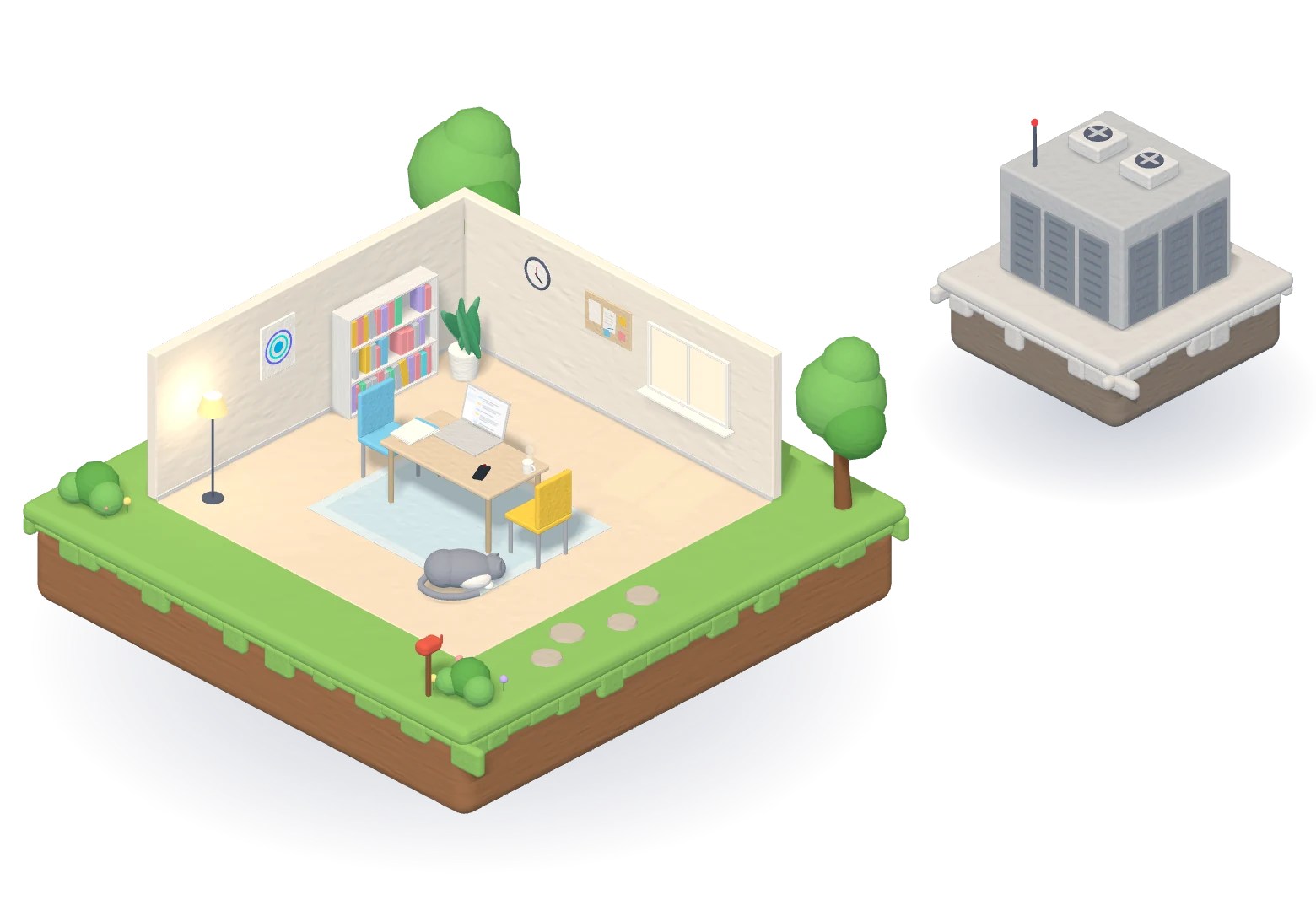
Transcribed on this laptop. The cat can go back to sleep.
Your consent form says who hears the interviews.
Most transcription services process the audio on their own servers. That makes them a third party handling your participants' words, which your consent form and data management plan then have to account for.
Transcribing by hand avoids that, at three to six hours of typing per hour of audio. Airgap does the transcription on your own computer instead, so the recordings stay where your consent form says they are.

From forty recordings to a coded transcript in NVivo.
- 1
Queue the interviews
Drop in a folder of recordings. They transcribe one after another while you do something else.
- 2
Check speakers and uncertain words
Rename the speakers once, then jump between the words it was unsure of, one key at a time.
- 3
Replace names with codes
Find personal data gives every person, organisation and place a code such as P1. The code table stays with you.
- 4
Export for analysis
NVivo gets a CSV with Timestamp, Speaker and Content columns. MAXQDA gets a Word file with #hh:mm:ss-x# timestamps linked to your media.
The facts
- Personal data
- Names, organisations and places replaced by codes such as P1, or blocked out, in every export.
- Where it runs
- On your computer. Recordings, transcripts and documents are not uploaded.
- Connections
- Licence activation (once), model download (once), update check (off by default).
- Offline
- Works offline after activation and the one-time model download.
- Computers
- macOS 13 or newer on Apple Silicon, and Windows 10 or 11 on x64. Not Intel Macs or Linux.
- Languages
- 99, with accuracy published per language.
- Exports
- Word, PDF, text, SRT and VTT subtitles, CSV, JSON, NVivo and MAXQDA.
- Price
- €79 once for up to 3 devices, with a year of updates. Free 7-day trial, no card.
What Airgap doesn't do
- Speaker labels are the weaker half: expect to correct some, especially when people talk over each other.
- Accuracy depends on the recording and on your computer. Under 8 GB of memory it uses a smaller, weaker model.
- It runs on Apple Silicon Macs and Windows. Not on Intel Macs or Linux.
- It is not open source. The network page lists every connection it makes, so you can check it.
Compared with what researchers use now
These are capable tools. Airgap is the one that keeps the recording on your computer. Here is where they differ.
- noScribe
Free and open source, with an excellent editor for research transcripts. Slower on a laptop, and it stops at the transcript: no codes for names.
- aTrain
Free, from the University of Graz, with NVivo and MAXQDA export too. It is built for Windows. The Mac version is a beta.
- Amberscript
Offers human transcription, which Airgap doesn't. The audio goes to its servers, and it charges €6 to €10 an hour.
- Word Transcribe
Already on your desk. It uploads the audio to Microsoft, keeps the recording in OneDrive, and stops at 300 minutes a month.
€79once
€79 once for up to 3 devices, including a year of updates. The version you have keeps working after that.
Everything included: unlimited transcription, meeting recording, dictation, redaction, search, and all export formats.
For faculties and organisations
From €3,000 a year
One annual site licence with no per-user or per-hour fees. Includes invoice billing and an evaluation pack for security review.
Licences for organisationsQuestions
Do I need to mention Airgap in my consent form?
That is for your ethics board to say. What you can tell them: the recordings are transcribed on your own computer and are not sent to Scribewave or anyone else. The network page lists every connection the app makes. Network behaviour
Can it export to NVivo and MAXQDA?
Yes. NVivo gets a CSV with Timestamp, Speaker and Content columns for its transcript import. MAXQDA gets a Word document with #hh:mm:ss-x# timestamps that link to your media.
How do I anonymise transcripts?
Run Find personal data. Every person, organisation and place gets a code such as P1 or ORG1, and the same person keeps the same code. Exports show the codes, or black blocks if you prefer, and the code table is a separate file you keep.
Does it work in my language?
Airgap transcribes 99 languages. With 8 GB of memory or more, 23 European languages use Parakeet Ultra and the rest use Whisper. Accuracy is published per language. Languages and accuracy
Can I use it on a university laptop?
If you can install apps, yes: macOS 13 or newer on Apple Silicon, or Windows 10 or 11. On a managed laptop, IT can install it, and on networks that block the model download they can host the models internally.
Try it on your next interview.
Install it, switch off the network, and transcribe a recording you could never upload.
Free for 7 days, then €79 once