Session notes that never leave your practice.
Dictate your notes, or transcribe a recording you have consent for, on your own computer. Nothing is uploaded, and the built-in AI can draft a summary without sending the session anywhere.
7-day free trial
More than 40,000 people already use our voice AI apps to save time without compromising privacy.
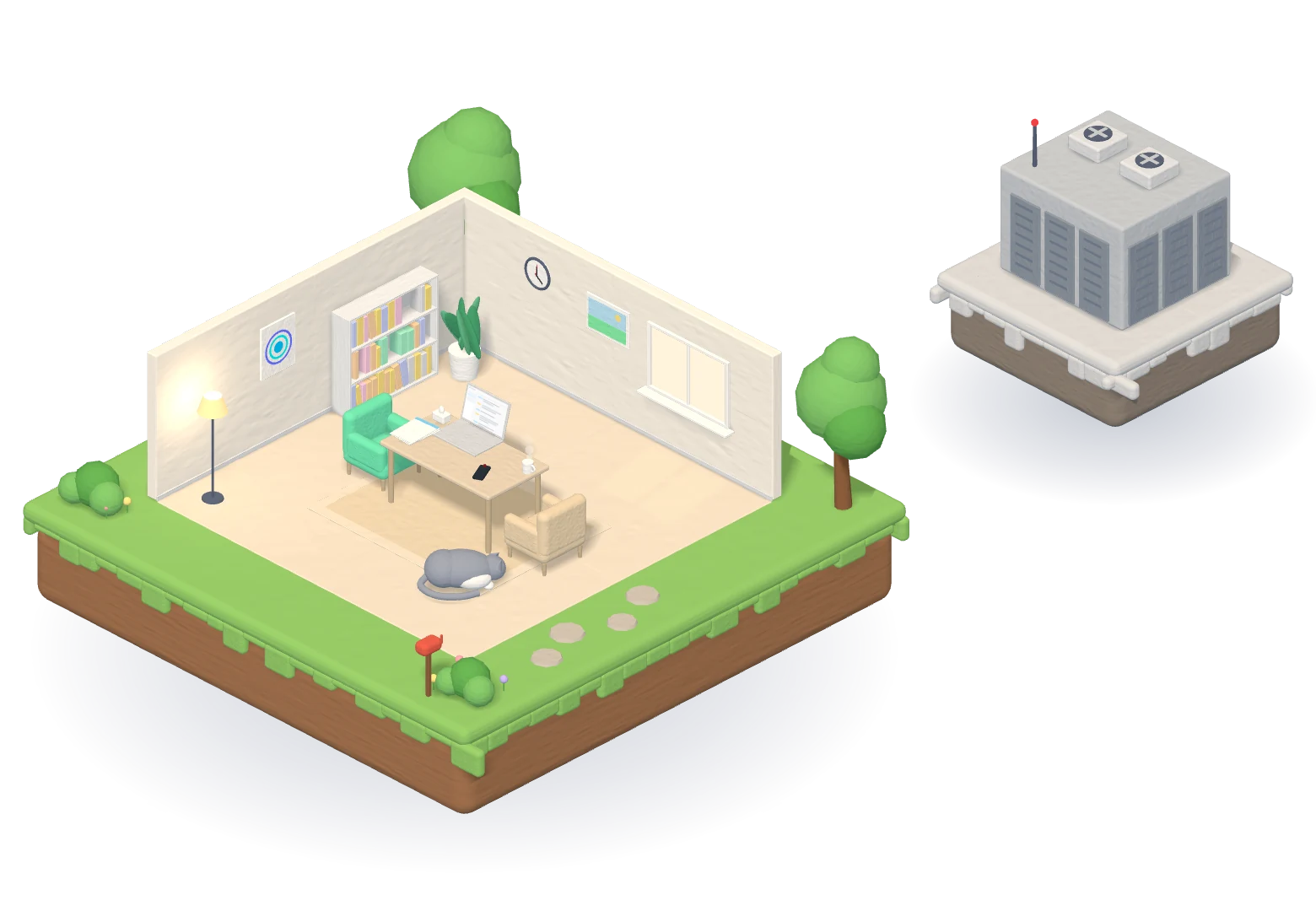
Transcribed on this laptop. The session stays in the room.
Many AI note tools take the session to their servers.
That is how they write their summaries. Airgap does the transcription and the drafting on your own computer instead.
It is a transcription and dictation app, not a clinical record system: it writes text, and you decide what goes in the record.
Notes written while the session is still fresh.
- 1
Dictate after the session
Press the shortcut and speak. The text lands in your notes app or document: Cmd+Shift+Space on a Mac (or the fn key), Ctrl+Shift+Space on Windows, into any app.
- 2
Or transcribe a recording
If you record a session with consent, Airgap transcribes it on your computer and labels the speakers.
- 3
Draft a summary
An optional AI model on your computer drafts a summary. Read it and correct it. It is only a draft.
- 4
Keep it on your computer
Everything sits in one folder in your user profile, on your computer.
The facts
- Dictation
- Cmd+Shift+Space on a Mac (or the fn key), Ctrl+Shift+Space on Windows, into any app.
- Summaries
- Drafted by an optional AI model that runs on your computer.
- Stored on
- macOS: ~/Library/Application Support/com.scribewave.offline. Windows: %APPDATA%\com.scribewave.offline.
- Where it runs
- On your computer. Recordings, transcripts and documents are not uploaded.
- Connections
- Licence activation (once), model download (once), update check (off by default).
- Offline
- Works offline after activation and the one-time model download.
- Computers
- macOS 13 or newer on Apple Silicon, and Windows 10 or 11 on x64. Not Intel Macs or Linux.
- Languages
- 99, with accuracy published per language.
- Exports
- Word, PDF, text, SRT and VTT subtitles, CSV, JSON, NVivo and MAXQDA.
- Price
- €79 once for up to 3 devices, with a year of updates. Free 7-day trial, no card.
What Airgap doesn't do
- It is not a medical device or a clinical record system, and not built for any specific health regulation.
- The built-in AI is small. Check every summary before you use it.
- There are no templates for clinical notes and no integration with practice software.
Compared with what you use now
These are capable tools. Airgap is the one that keeps the recording on your computer. Here is where they differ.
Cloud AI note-takers
Usually offer note templates and practice-software integrations. They process the session on their servers.
Wispr Flow
Faster dictation that tidies up what you said. Your speech is processed on its servers, at €15 a month.
Typing your notes
Nothing to install and nothing recorded. It takes longer, and it is easy to put off.
€79once
€79 once for up to 3 devices, including a year of updates. The version you have keeps working after that.
Everything included: unlimited transcription, meeting recording, dictation, redaction, search, and all export formats.
For faculties and organisations
From €3,000 a year
One annual site licence with no per-user or per-hour fees. Includes invoice billing and an evaluation pack for security review.
Licences for organisationsQuestions
Is anything from the session uploaded?
No. Dictation, transcription and summaries run on your computer, with the built-in AI. The app connects only to activate your licence, download its models once and, if you switch it on, check for updates. If you choose a hosted AI provider yourself, the text you summarise goes to that provider.
Do I need consent to record a session?
Airgap doesn't change what your professional rules require. Dictating your own notes after a session records only your voice.
Can I dictate into my practice software?
Into any app with a text field: Cmd+Shift+Space on a Mac (or the fn key), Ctrl+Shift+Space on Windows, into any app. The text is pasted where your cursor is, or copied to the clipboard.
How good are the summaries?
They are drafts from a small model that runs on your computer. Fine as a first pass. Read and correct every one.
Try it after your next session.
Free for 7 days. Dictate a note, and see that nothing leaves your computer.
Free for 7 days, then €79 once